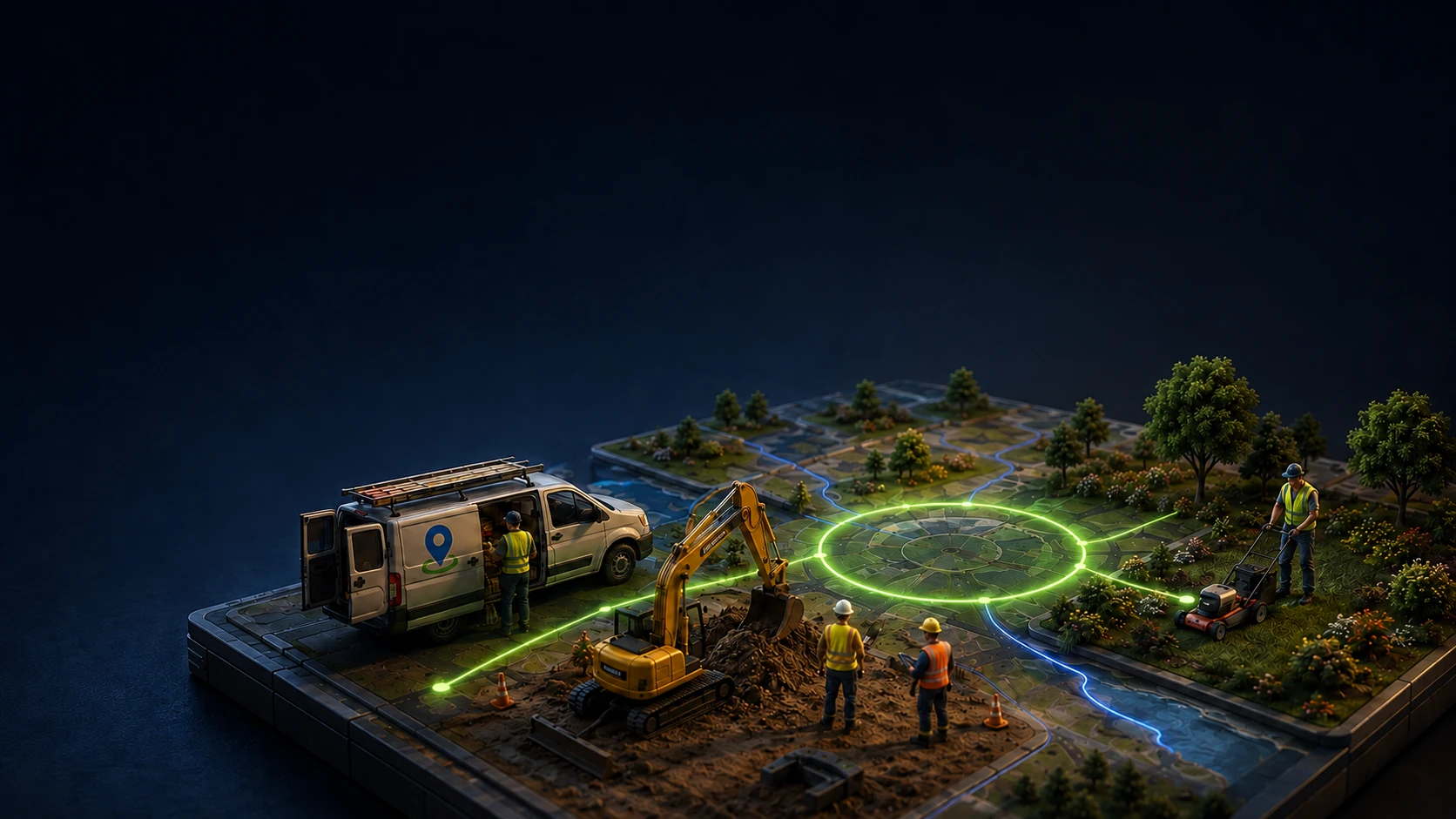

Live crew map
See who is on which job, right now.
Green is on the clock and inside the geofence. Amber is out of zone, so you catch it before it becomes a payroll dispute.
GPS time tracking. Scheduling.
Job costing. Payroll exports.
From the job site to the office
Klees is GPS time tracking and field ops for any team that works out in the field — cleaning, construction, landscaping, security, HVAC, and more. Your team clocks in from their phone. You see hours, job-site locations, and photos in real time, then send the week straight to payroll.
GPS-verified hours
Every punch carries a location
Photo proof
A pinned shot on clock-in
Payroll-ready exports
CSV and PDF, by job and day
Bilingual crews
English, Spanish, Portuguese
Six things your crew does with one tap. No paper, no end-of-week guessing, no chasing timesheets.
See who is on which job, right now.
Green is on the clock and inside the geofence. Amber is out of zone, so you catch it before it becomes a payroll dispute.

A photo stamped with GPS and time on clock-in. Proof the work started, where it started.
Drop a geofence on the job. Klees clocks people in when they arrive and out when they leave.
Arrived · Riverside Site
Clocked in automatically
Approve the week, download CSV or PDF for QuickBooks, ADP, or Gusto.
Hours roll up per job, so you know what the crew is really costing you.
Yesterday's punches replayed through 51 fraud and compliance checks while you sleep. Findings land on the exact time entry.
Workers request days off from the app; you approve with the balance in view. Drivers rack up GPS-measured miles automatically while on the clock.
Vacation · Jul 21–25
Ana Ferreira · Approved
2.3 mi · auto-tracked
Depot → Riverside Site
The people using Klees are on ladders, in crawl spaces, and in trucks with one bar of signal. The app is built for that day, not a desk.
Offline-safe
Punches queue on the phone and sync when signal returns.
Glove-friendly
Big tap targets and a two-tap clock-in, one-handed.
Battery-aware
GPS tuned to confirm the job, not drain the phone.
From their own phone, at the job. GPS is captured, and a photo if you require one.
Hours, locations, and photos land in your dashboard as they happen. No end-of-day mystery.
Review the week, approve it, and send clean timesheets to payroll in a click.
Field crews are rarely one language. Klees runs fully in English, Spanish, and Portuguese, and each person sets their own. Send one broadcast; everyone reads it in the language they know.
See all featuresHead to Riverside Site first thing — gate code is 4417.
Vayan primero a Riverside Site — el código de la puerta es 4417.
Vão primeiro ao Riverside Site — o código do portão é 4417.
No. Klees runs on the phone your crew already carries, iPhone or Android. There are no badges, no wall clocks, and no readers to install. They download the app, you invite them, and they clock in.
Clock-ins and photos are saved on the phone and sync the moment the phone gets a connection again. Nobody loses a punch because the basement had no bars.
Location is captured at clock-in, clock-out, and on a light interval in between, enough to confirm the crew was on the job, tuned to sip battery rather than track every step. Geofences around each job site auto clock people in and out when they arrive and leave.
Yes. Approve the week and export clean CSV or PDF timesheets, broken down by person, job, and day, ready for QuickBooks, ADP, Gusto, or your bookkeeper.
No. The whole app runs in English, Spanish, and Portuguese, and each person picks their own language. Broadcasts you send reach everyone in the language they read.
Yes. PinShot photo verification stops buddy punching at the door, and every night 51 automated audit checks replay the previous day looking for padded hours, too-perfect punch times, missed lunches, and GPS that goes dark on schedule. Findings show to managers only, attached to the exact time entry.
Plans are per active user per month with a free trial while you set up, no card required. See the pricing page for current tiers.

The practical difference between oversight and micromanagement, and how to get visibility into remote work without destroying the trust that makes remote work function.

What US law actually requires before you monitor remote employees — notice rules, state-by-state differences, and the practices that create real legal exposure.

A monitoring policy people actually read, with the six sections that matter and language you can adapt — plus the mistakes that turn a policy into a resignation letter.
Free while you set up. No credit card, no hardware, no contract on monthly plans.