
From sign-up to first payroll export in under 30 minutes.
Five steps. No implementation project, no hardware order, no training week.

Sign up. Add your crew.
Create your account at klees.app and add your team, or paste a list of emails. Pick Standard, Pro, or Enterprise. No card for the trial.
- 14-day free trial, no card
- Invite up to 100 crew by email or CSV
- Roles: Owner / Admin / Manager / Employee
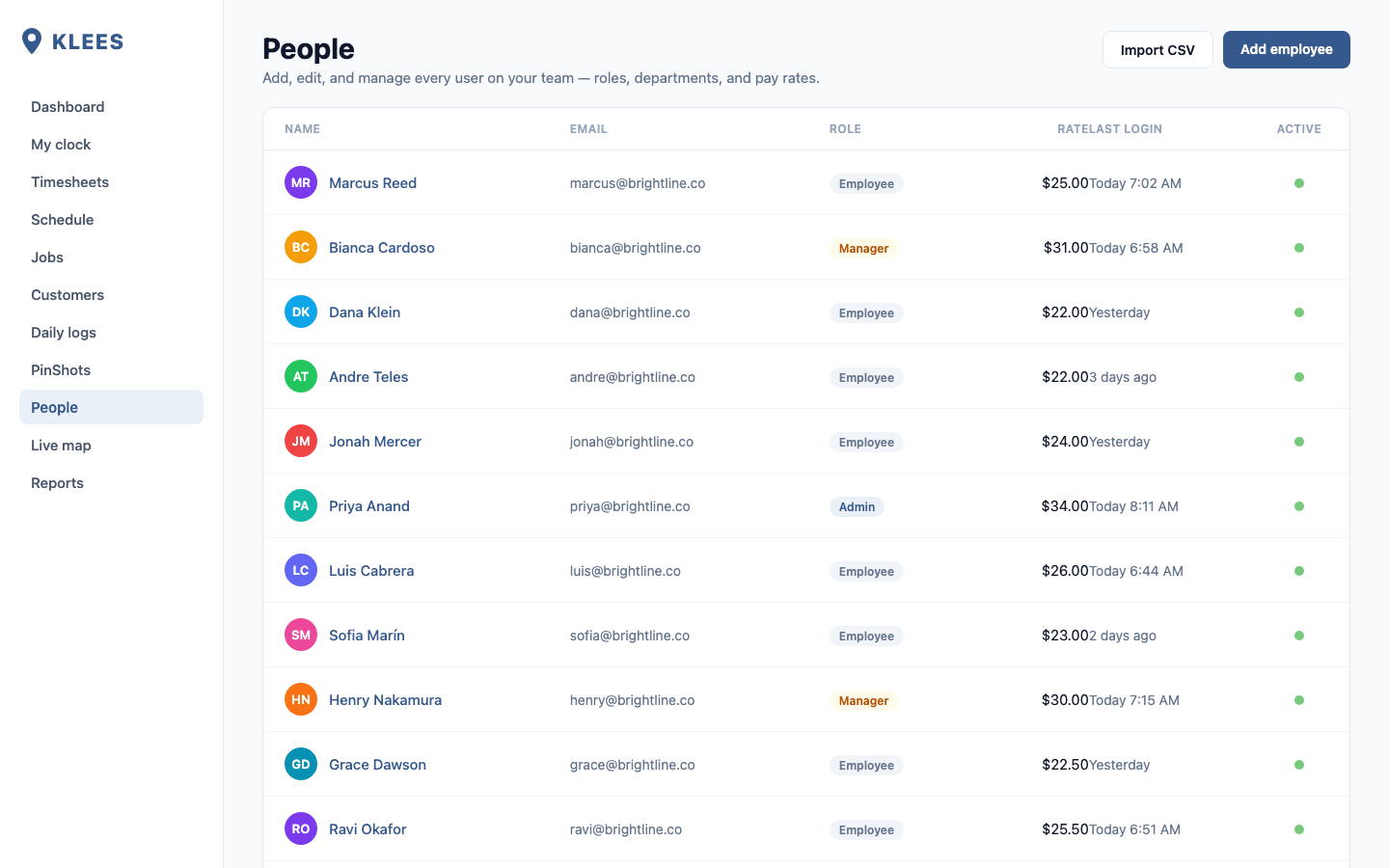
Invite your crew
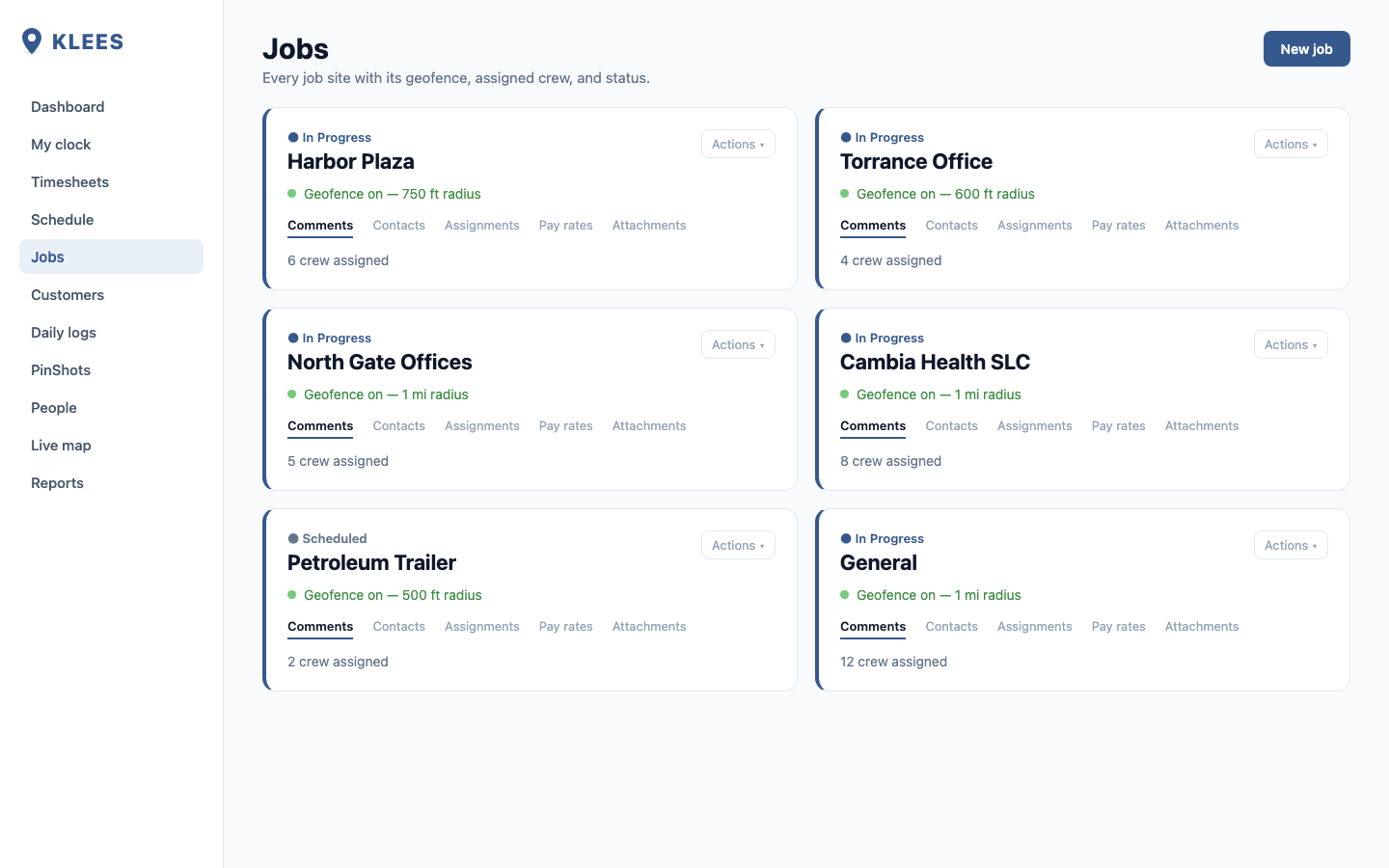
Set up jobs and geofences.
Add customers and jobs, drop a pin, and set a geofence radius. Klees uses GPS plus the geofence to confirm the crew is actually on site.
- Unlimited customers and jobs
- Per-job color, budget, cost codes
- Bulk CSV import (Pro / Enterprise)
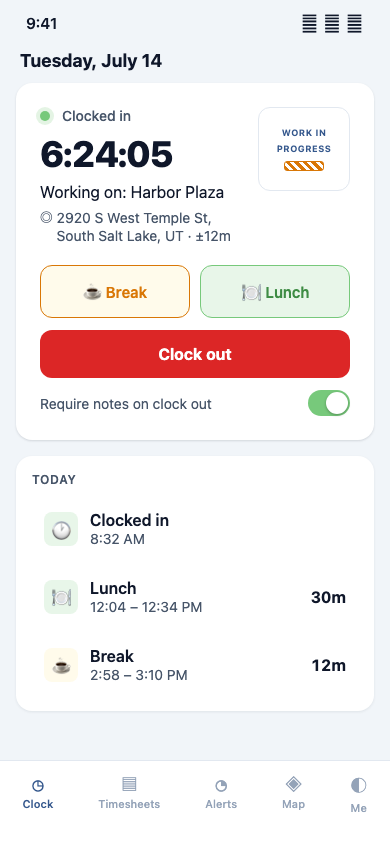
Crews clock in from any device.
Phone, web, or a shared tablet kiosk. PinShot snaps a photo at clock-in and GPS confirms the spot. The whole thing takes under five seconds. Through the shift they add photos and notes as they go, and it all attaches when they clock out.
- iOS and Android apps
- Shift photos + notes staged as they work
- 4-digit kiosk PIN for shared tablets
- Offline-first, syncs when signal returns
Marcus Delgado
Tap to clock in · Riverside Site
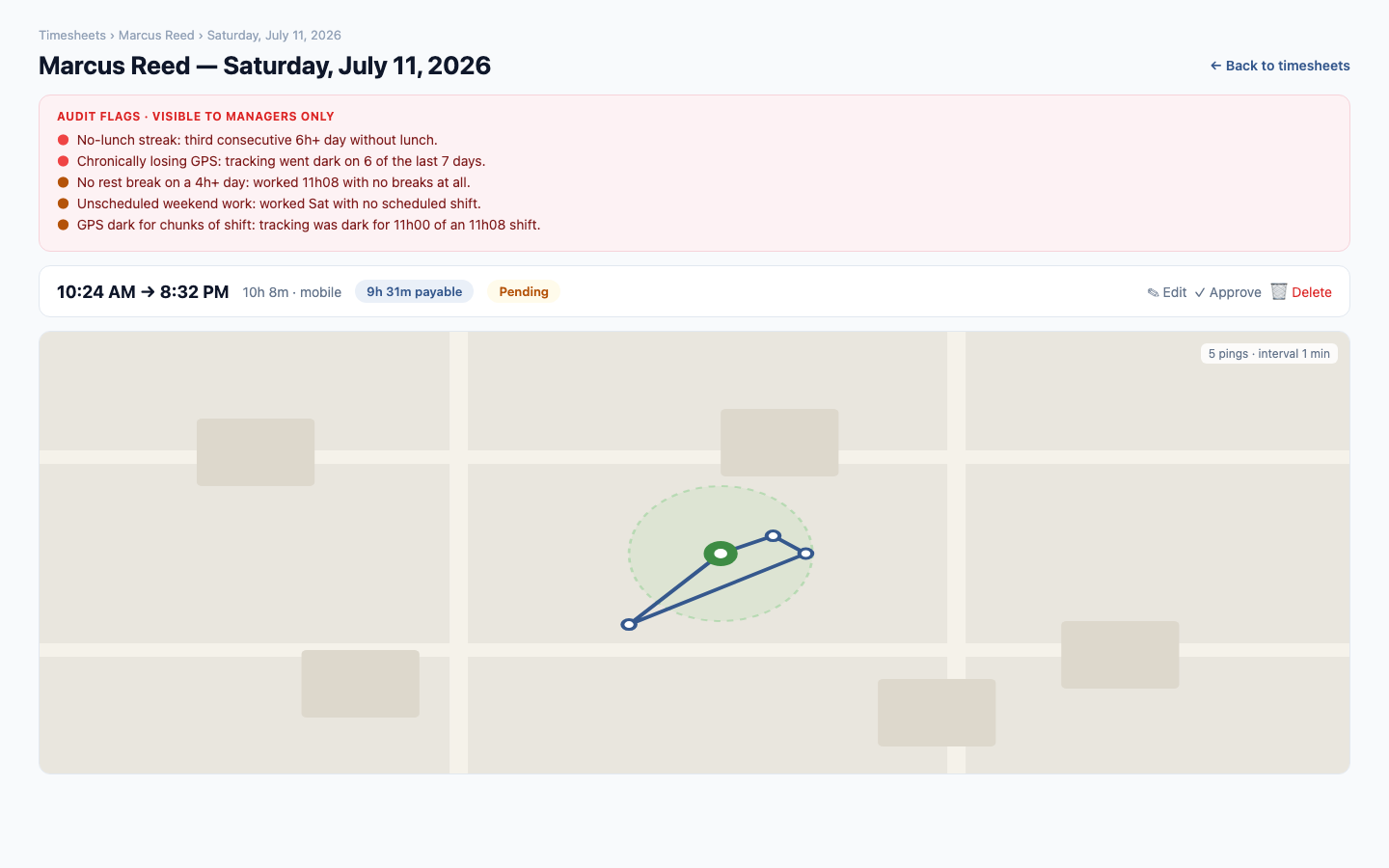
Managers review and approve.
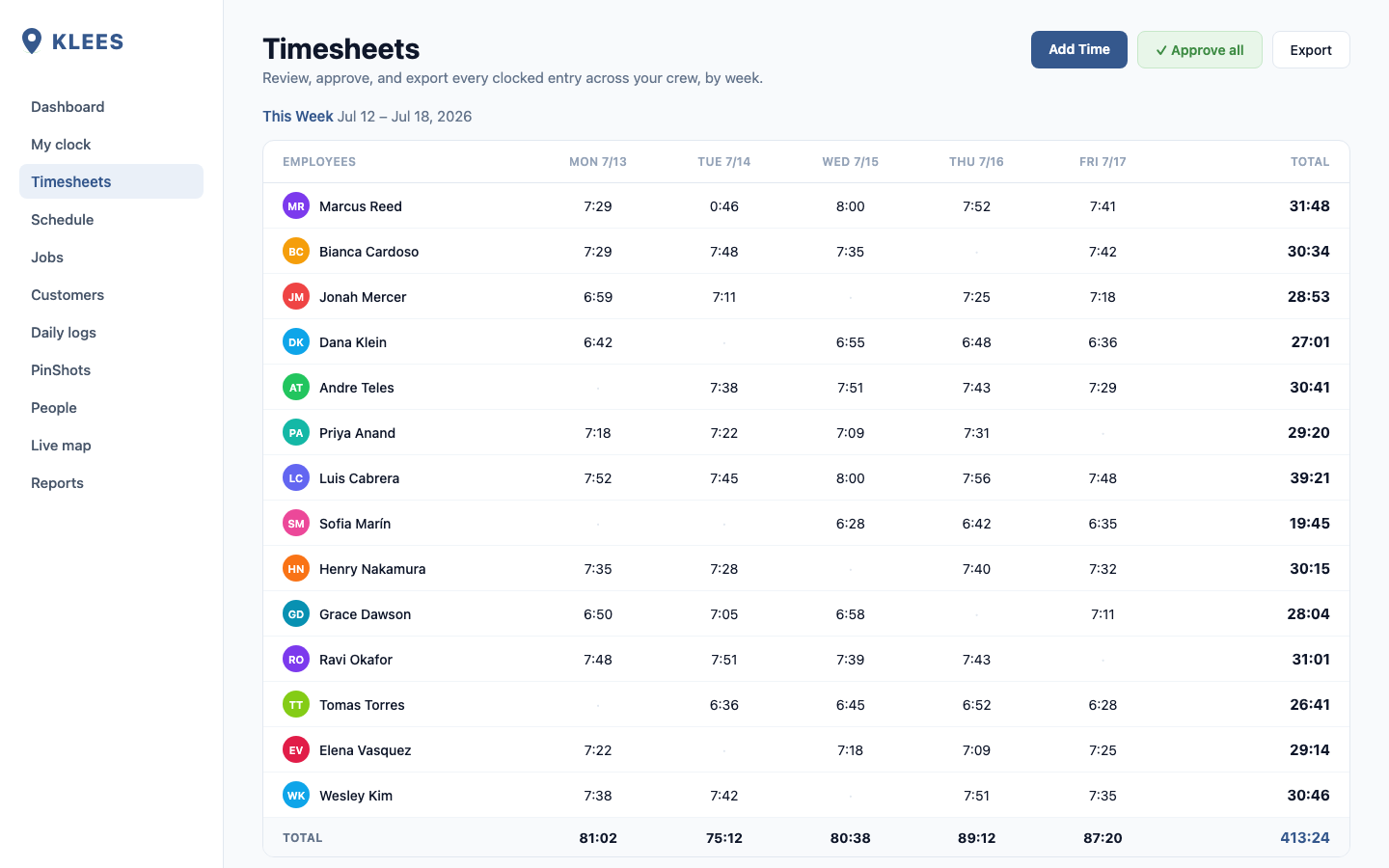
Foremen review entries on mobile, managers approve from the web. Anomalies surface before payroll closes: missed breaks, overtime, geofence misses.
- Approve per day or per week
- Alerts: OT, missed clock-out, no-show
- Audit log records every edit
Export to payroll. Done.
CSV for QuickBooks, Xero, Gusto, ADP, and Paychex, or a one-click direct integration. Klees does the math on overtime, deductions, and PTO.
- Payroll-ready CSV in any format
- Direct: QuickBooks, Xero, Gusto, ADP
- PDF timesheets for sign-off
Week of Jun 30
ExportReady for QuickBooks · ADP · Gusto · Xero