
PinShot Selfie Verification
Selfie capture at clock-in with anti-spoof scoring, retention policy, and biometric privacy — how PinShot ends buddy punching in a single shift cycle.
Updated May 29, 2026
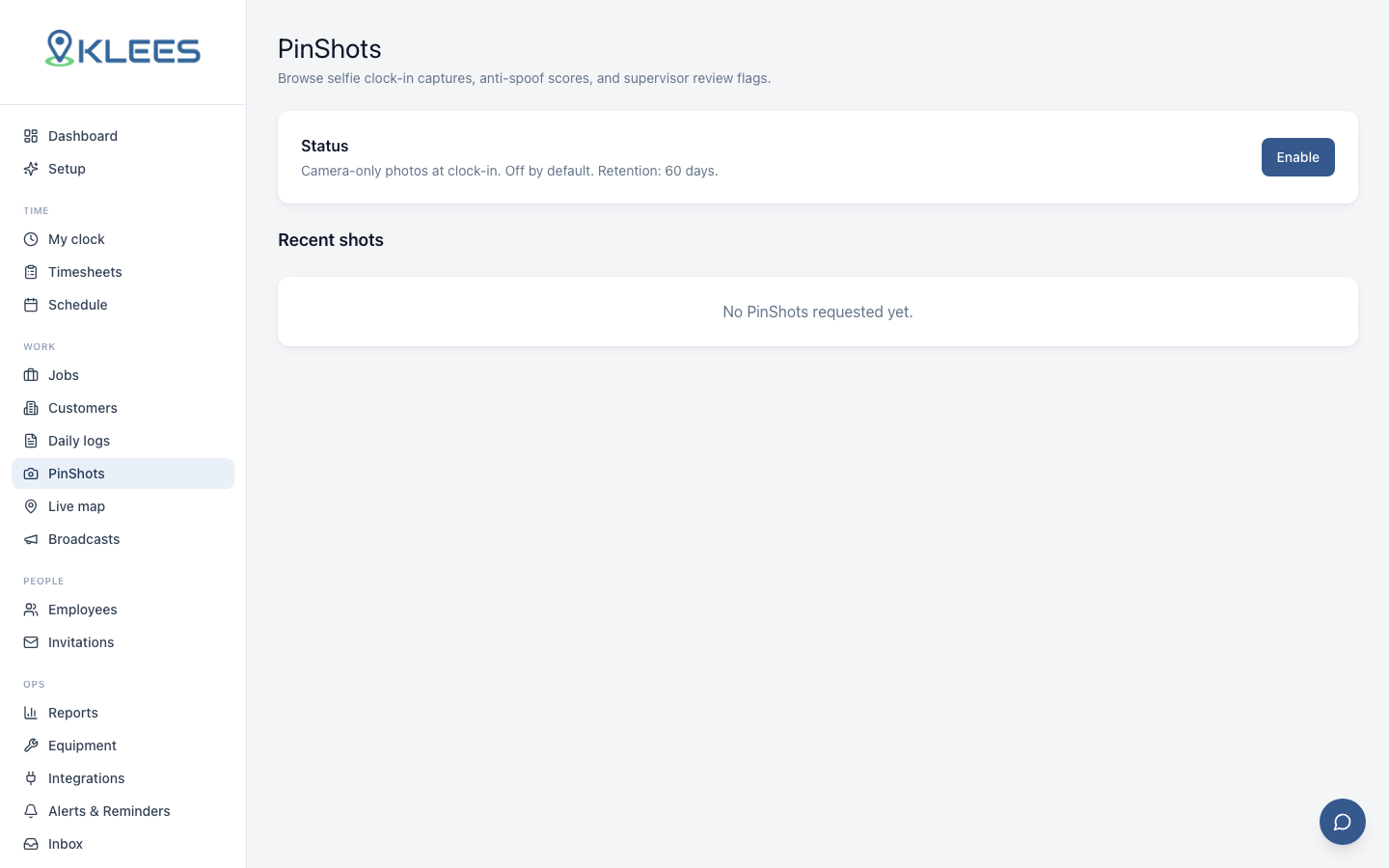
PinShot is Klees’ identity verification feature. Every clock-in (and optionally every clock-out) captures a selfie, runs it through an anti-spoof model, and attaches the result to the time entry. The selfie is what kills buddy punching — a crew member can’t hand their phone to a friend, because the friend’s face won’t match. PinShot is available on Pro and Enterprise — see pricing.
How it works
When a crew member taps Clock In:
- The app opens the front camera with a face-detection overlay
- It captures one frame at full resolution
- The frame uploads encrypted to the Klees backend
- The anti-spoof model scores it in under 2 seconds
- Score and image reference attach to the time entry
- The worker is clocked in
The whole flow takes about 1.8 seconds on a modern phone. Workers consistently report preferring it to PIN entry within the first week.
The anti-spoof score
The model rejects photos of photos, photos of screens, printed masks, static held images, and replay attacks. It returns a score from 0 to 100. Default threshold is 70 — at or above is treated as a live face; below is flagged. The threshold is configurable per company.
| Score band | Meaning | Default behavior |
|---|---|---|
| 90–100 | High confidence live face | Auto-approve |
| 70–89 | Live face, normal | Auto-approve |
| 50–69 | Borderline | Flag for review |
| 0–49 | Likely spoof | Flag, alert manager |
Borderline scores often correlate with poor light, motion blur, or partial occlusion (mask, hood, hand). Manager review surfaces the image and lets them approve or reject in two clicks.
Face matching
PinShot compares the selfie against the worker’s enrolled face template. Enrollment happens on first login: the worker takes 3 selfies in different lights. A mismatch produces a hard flag and an immediate manager notification — this is the buddy-punch signal: same phone, different face, caught at clock-in.
Retention and privacy
Retention defaults:
| Data | Default retention | Configurable |
|---|---|---|
| PinShot selfie image | 30 days | Yes |
| Face template | 12 months from last clock-in | Yes |
| Anti-spoof score | Lifetime of the time entry | No |
| Match result | Lifetime of the time entry | No |
Image retention is intentionally short — most operators don’t need the selfie itself after a month, since the score and match result are enough for audit. Extend in Settings → PinShot → Retention if your jurisdiction requires more. Face templates can be force-deleted on offboarding from the worker’s profile.
Biometric privacy posture
PinShot is designed around BIPA (Illinois), CCPA (California), GDPR (EU), and LGPD (Brazil). Klees captures only at clock-in and clock-out (never silently), stores selfies AES-256 encrypted (see Security), stores templates as one-way hashes, runs a bilingual worker consent flow at enrollment (see Languages and Localization), supports per-jurisdiction retention overrides, and provides worker-initiated export and deletion. Consent is logged in the audit record.
Operational impact
Operators turn on PinShot to end buddy punching. The impact is usually visible inside the first shift cycle — the Alta Janitorial migration documented buddy-punch incidents dropping to zero the second night PinShot was live. Secondary impacts: insurance underwriters look more favorably on the audit trail, customer disputes resolve faster, and new hires onboard faster (no PIN to memorize).
Turning PinShot on
From Settings → PinShot, toggle PinShot on, pick which events capture a selfie (clock-in only, or both), set the anti-spoof threshold (default 70) and match threshold (default 75), choose retention windows, and save. Workers will be prompted to enroll their template on their next clock-in.
What to do with flagged entries
Flagged entries land in the timesheet with a colored badge — see Reports and Exports. The manager opens the entry, reviews the selfie and score, and either approves (with optional note) or rejects (voiding the time and triggering a follow-up). Most managers spend a few minutes per day on review. After the first week the flagged rate drops to a trickle as workers adjust technique.