
Equipment, expenses & crew tools
The rest of the field toolkit — equipment assignment, expense and mileage capture, broadcasts, shift swaps, and certifications.
Updated July 26, 2026
Beyond the clock, Klees carries the small tools that keep a field operation organized. Each is light on purpose — capture in the field, review in the office.
Equipment
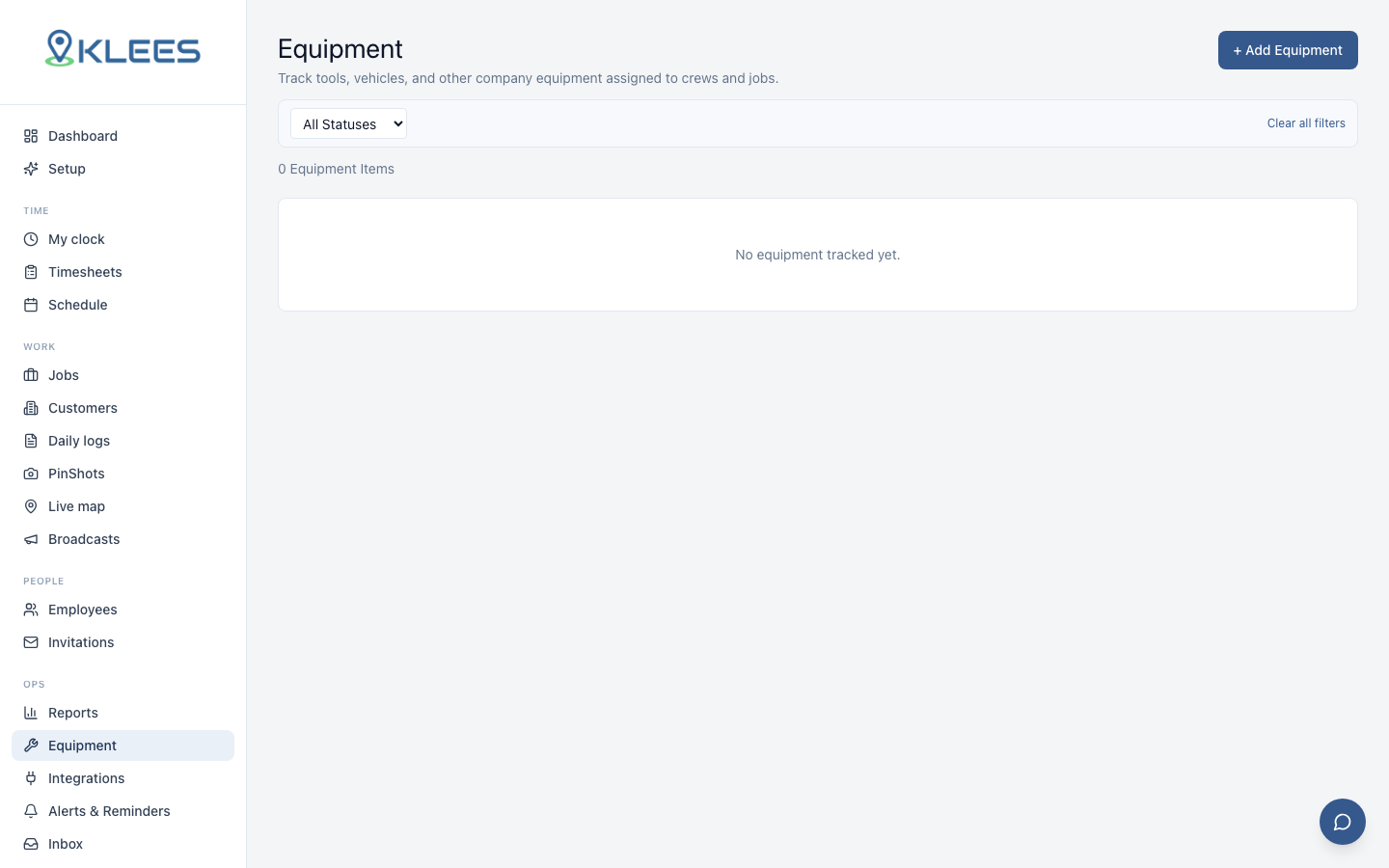
Track company equipment and who has it. Add items under Equipment, assign them to people or jobs, and see at a glance where the gear is. Crews stop losing track of the good drill.
Expenses & receipts
Workers snap a receipt in the app and file an expense against a job. Managers review them in the admin; approved expenses ride along into job costs. Mileage has its own automatic capture — see Automatic Mileage Tracking.
Broadcasts
Send a message to the whole company, a team, or a job’s crew — schedule changes, weather calls, safety notices. Broadcasts land as push notifications in the app, so the message reaches the field without a group-text chain.
Admin only
Broadcasts are sent by owners, admins, and managers.Shift swaps
Workers can request to swap a scheduled shift with a teammate; the manager approves or declines. Approved swaps update the schedule automatically — no whiteboard edits.
Certifications
Store licenses and certifications per person — trade cards, driver’s licenses, safety training — with expiry dates. Klees warns before they lapse, so nobody shows up to a site with an expired cert.
PinShots
Photo identity checks at punch time have their own page — see PinShot. The PinShots review queue in the admin shows recent checks with match scores.