
Managing people
The People page — profiles, per-employee GPS and time settings, pay, manager assignment, and the toggles that shape how each person tracks time.
Updated July 26, 2026
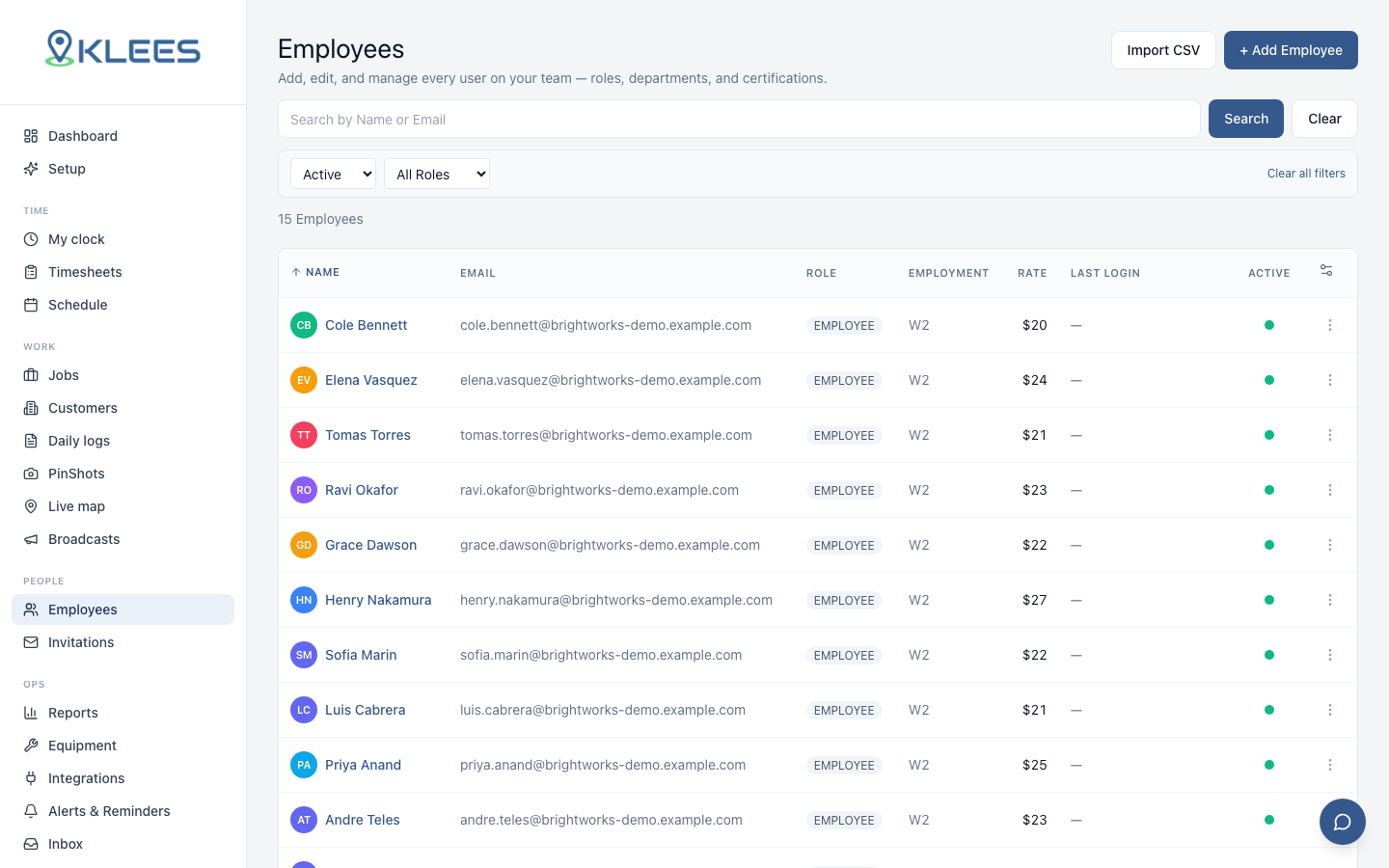
People is the roster: everyone in your company, their roles, and the per-person settings that control how each of them tracks time. Invitations are covered in Inviting your team; roles in Roles & access.
The profile tabs
Click a person to open their profile. The tabs that matter day to day:
- Profile — name, contact, pay rate, color.
- GPS & Time — the per-person tracking switches (below).
- Permissions — role or custom role.
- Manager Settings — who manages them, approval scope, notifications.
Note
Supervisors, managers, and admins can’t edit their own GPS & Time, Permissions, or Manager Settings — those tabs show a notice instead. Only the owner can. See Self-edit restrictions.
Per-employee GPS & Time settings
These switches tailor tracking per person instead of one-size-fits-all:
| Setting | What it does |
|---|---|
| Mobile GPS required | Blocks clock-in when the phone’s location is off (once the worker has ever granted it) |
| GPS exempt | Person clocks without GPS checks (office staff) |
| Auto clock in/out at location | Punches automatically on geofence enter/exit — see Auto clock |
| Auto-track mileage | Records drive mileage between jobs — see Mileage |
| Enable time tracking on desktop | Allows the browser web clock — see Web clock & kiosk |
| Kiosk enabled | May punch on a shared kiosk device |
| Max hours per day | Force-closes runaway entries past the cap |
| Overtime rules | Per-person OT override |
Manager settings & notifications
Assign each person a manager; managers see and approve their team’s time. Clock-in/out notifications can be turned on per employee — hear about the crews you’re watching, not everyone.
Deactivating someone
Deactivate rather than delete: their history, hours, and reports stay intact, they just can’t sign in, and they stop counting as a billable seat. Reactivate any time.